AI agents
Ask Contract Research Map from your AI agent
Add this address as a custom (remote) MCP connector in Claude, or in another MCP client. It needs no account and no token.
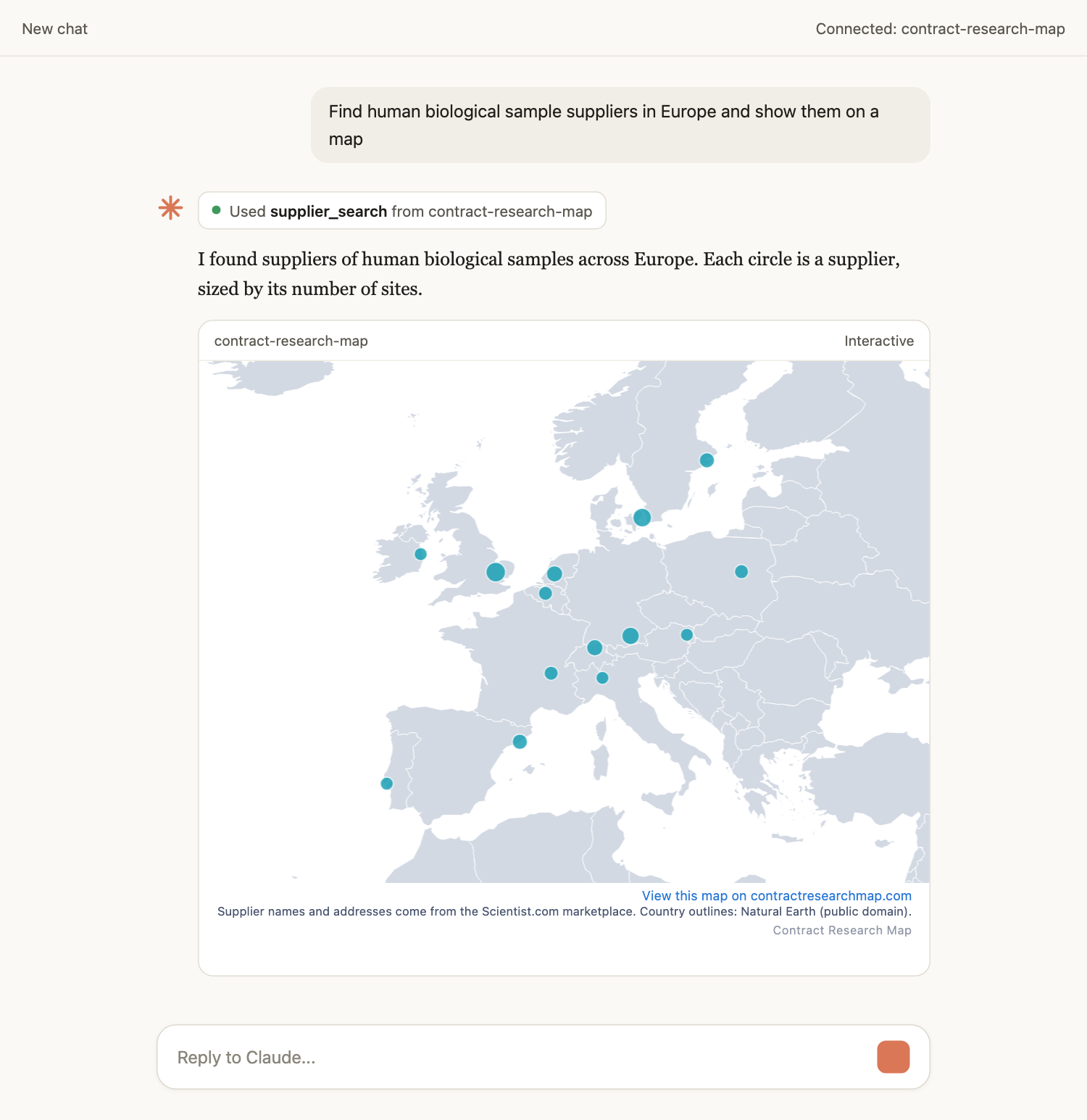
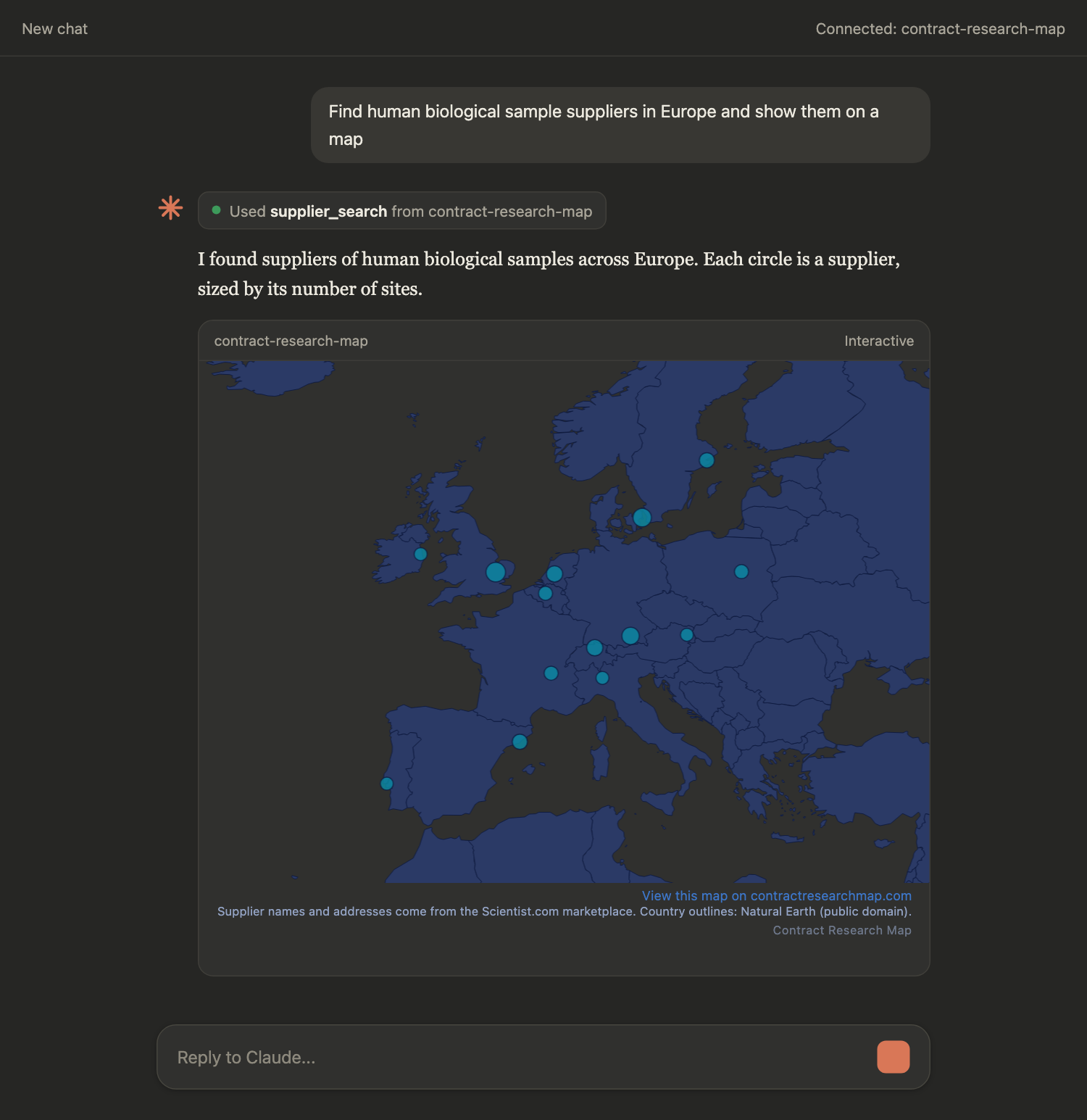
https://contractresearchmap.com/mcp/public/v1Find human biological sample suppliers in Europe and show them on a map
Add Contract Research Map to your AI client
No sign-up and no token. Pick your client for its steps.
Claude Desktop
Add it as a custom connector in Claude Desktop or on claude.ai.
- Open Customize, then Connectors.
- Click + Add, then Add custom connector.
- Name it Contract Research Map, paste the URL below as the remote MCP server URL, and click Continue.
- Review the authentication settings Claude detected and click Continue again.
- Under Authentication choose No sign in, then click Add.
- In a chat, click + at the lower left, then Connectors, and switch Contract Research Map on.
https://contractresearchmap.com/mcp/public/v1Requires: Custom connectors are available on the Free (limited to one), Pro, Max, Team and Enterprise plans. On Team and Enterprise an Owner adds the connector first, under Organization settings, then Connectors, and members connect to it under Customize, then Connectors.
ChatGPT
Add it as a custom MCP server on the ChatGPT web app.
- On the web, open chatgpt.com/plugins.
- Select the plus button, then Add custom MCP server.
- Enter the name Contract Research Map and paste the URL below as the Server URL.
- Set Authentication to No authentication.
- Review the risk warning and select I understand and want to continue, then select Create as a plugin.
- Install the new plugin from your personal plugins. Switch the ChatGPT homepage tab from Chat to Work, start a new Work chat, type @ and pick Contract Research Map.
https://contractresearchmap.com/mcp/public/v1Requires: Use ChatGPT on the web. OpenAI's documentation does not list which plans include custom MCP servers, and says workspace permissions and security restrictions apply, so on a work account your admin may have to allow it.
Claude Code
Register it with one command in a terminal.
- Run the command below in a terminal where Claude Code is installed.
- It registers the anonymous endpoint as an MCP server named contract-research-map, with no sign-up and no token.
claude mcp add --transport http contract-research-map https://contractresearchmap.com/mcp/public/v1Requires: Claude Code installed.
Codex
Add a Streamable HTTP server to the Codex CLI configuration.
- Open ~/.codex/config.toml, or .codex/config.toml in a trusted project.
- Add the block below. Do not set a bearer token or headers: the anonymous endpoint refuses any credential.
- Restart Codex, then run /mcp in the Codex terminal UI to see contract-research-map listed.
[mcp_servers.contract-research-map]
url = "https://contractresearchmap.com/mcp/public/v1"
Requires: The Codex CLI installed.
Cursor
Add it with one click, or add it to your Cursor mcp.json.
- Select Add to Cursor. Cursor opens and asks you to confirm the server named contract-research-map.
- Or add the block below to ~/.cursor/mcp.json, or .cursor/mcp.json in a project.
{
  "mcpServers": {
    "contract-research-map": {
      "url": "https://contractresearchmap.com/mcp/public/v1"
    }
  }
}
Requires: Cursor installed.
VS Code
Add it with one click, or add it to your VS Code mcp.json.
- Select Add to VS Code. VS Code opens and asks you to confirm the server named contract-research-map.
- Or add the block below to .vscode/mcp.json in a workspace.
{
  "servers": {
    "contract-research-map": {
      "type": "http",
      "url": "https://contractresearchmap.com/mcp/public/v1"
    }
  }
}
Requires: Visual Studio Code installed.
Sample queries
Find human biological sample suppliers in Europe and show them on a map
Which suppliers are headquartered in Germany?
Show me biobanks in Germany